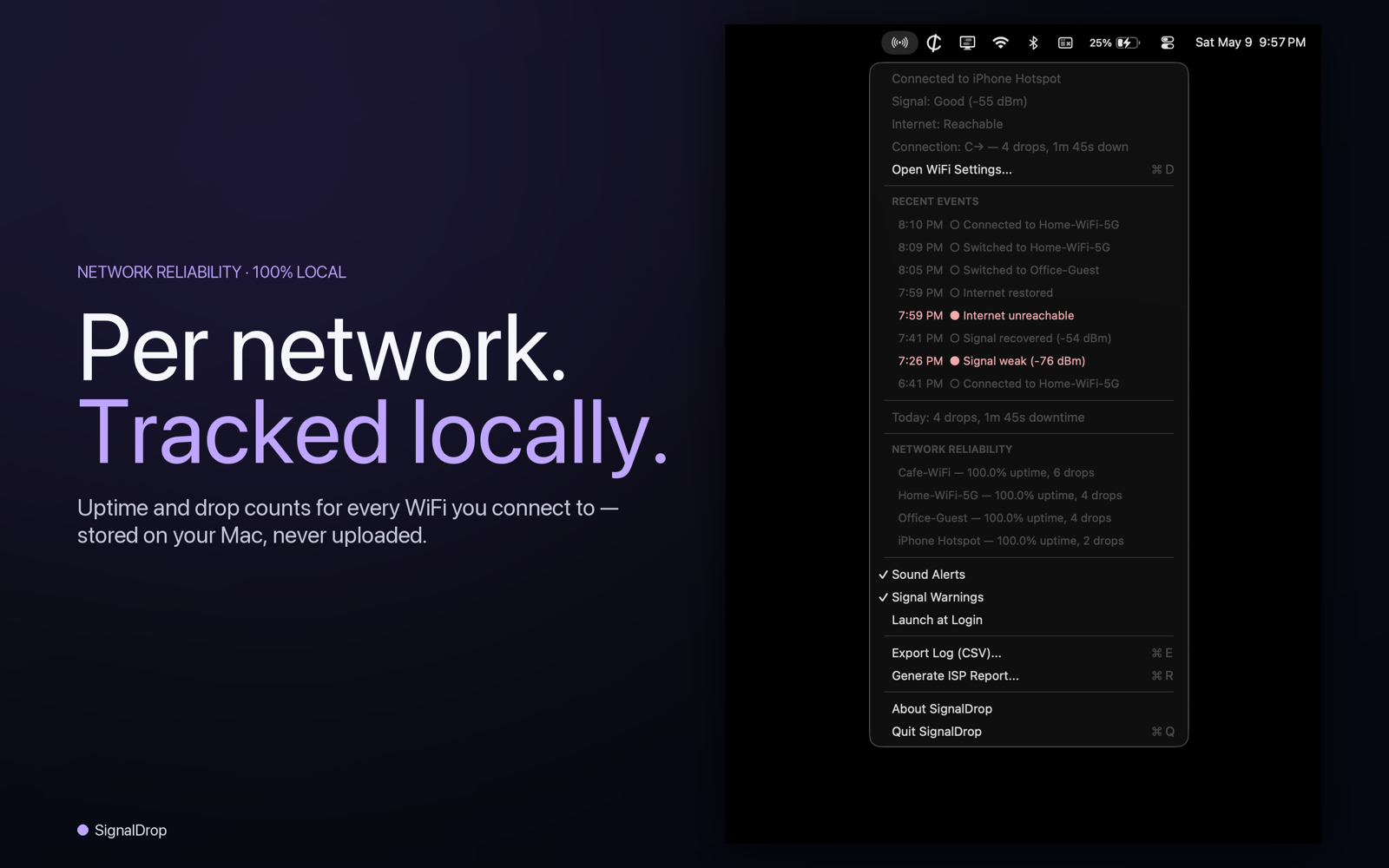
Does macOS notify you when WiFi disconnects?
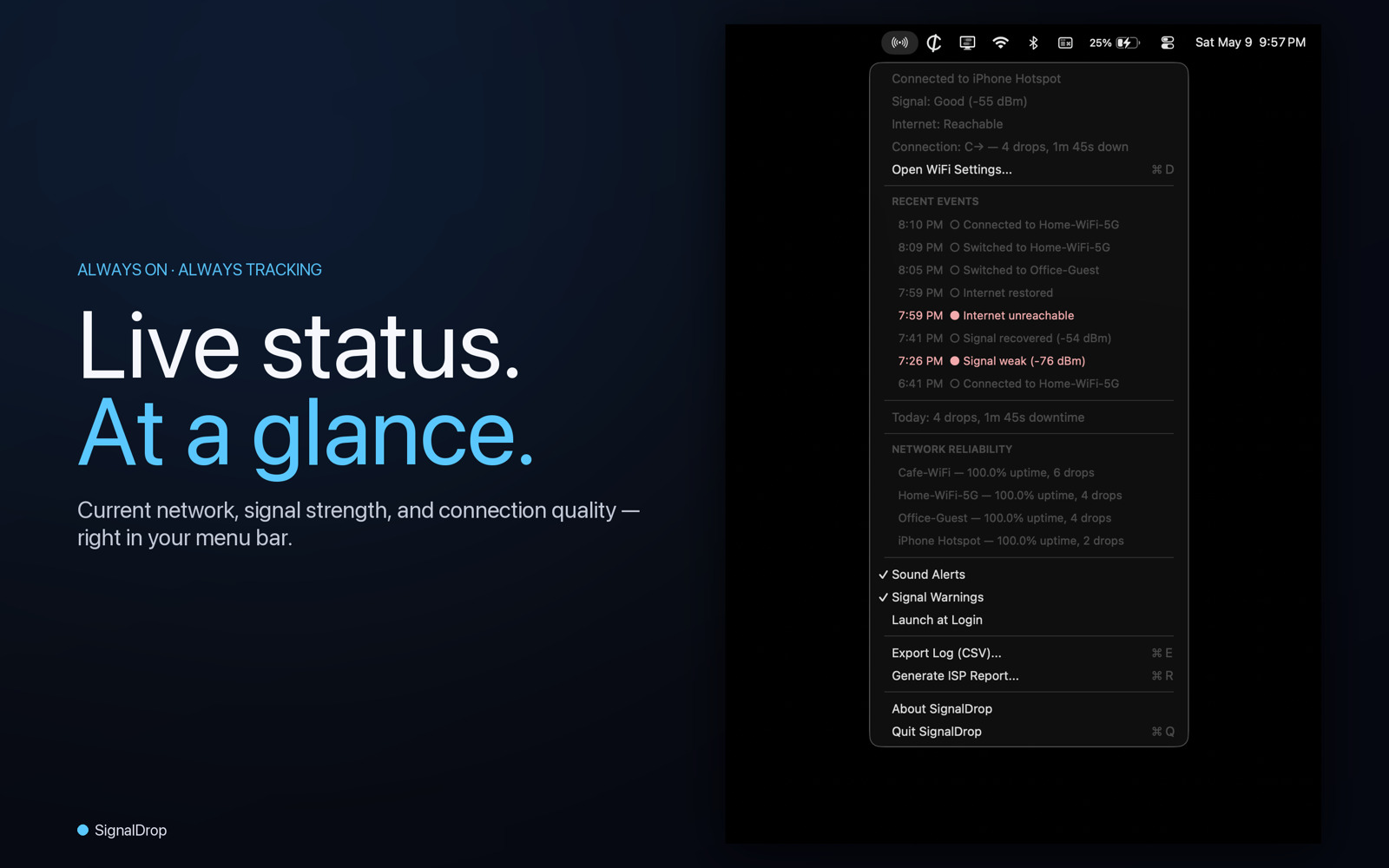
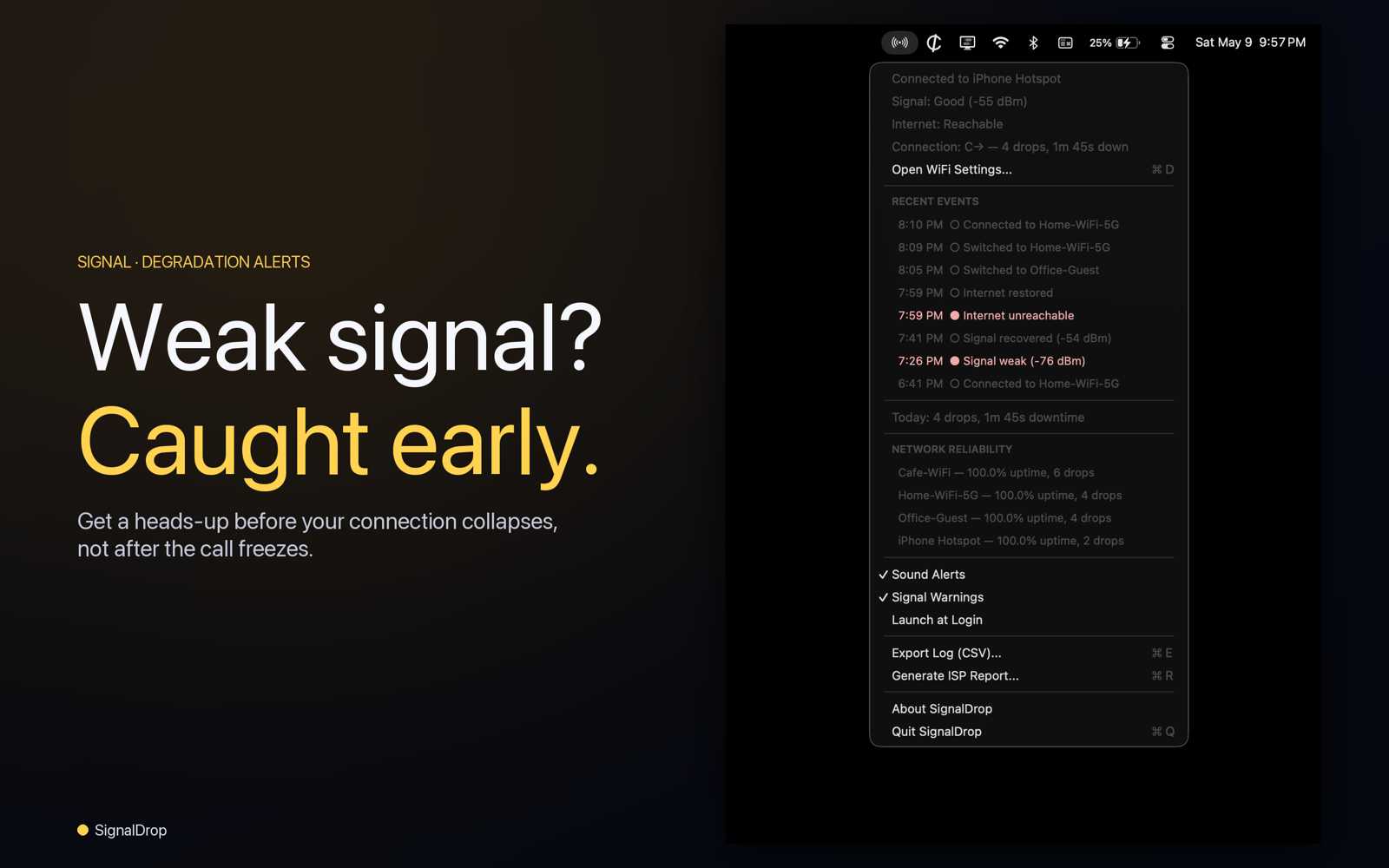
No. macOS has never built a native WiFi-disconnect notification. The menu-bar WiFi icon goes from full bars to empty bars and assumes you'll notice — there's no banner, sound, or alert. SignalDrop adds the missing notification by registering for kernel-level CoreWLAN events and pushing a native macOS notification the instant the connection state changes.
How much does SignalDrop cost?
$4.99 one-time on the Mac App Store. No in-app purchases, no subscription. The price includes all future 1.x updates. Version 1.1 (now) added the Network Insights window with a nearby network scanner, real-time signal graph, connection history with PDF export, vendor identification for 38,000+ access points, and a Settings window with quiet hours. Planned for 1.5: customizable menu bar display and roaming notifications.
Why does SignalDrop need Location Services permission?
macOS requires Location permission for any app to read WiFi network names (SSID) — Apple changed this in macOS 14 Sonoma. SignalDrop uses your network name solely to display it in the menu bar and notifications. Your geographic location is never determined, stored, logged, or transmitted. SignalDrop collects no data; its only network request is an anonymous connectivity check to Apple.
Can SignalDrop prove WiFi outages to my ISP?
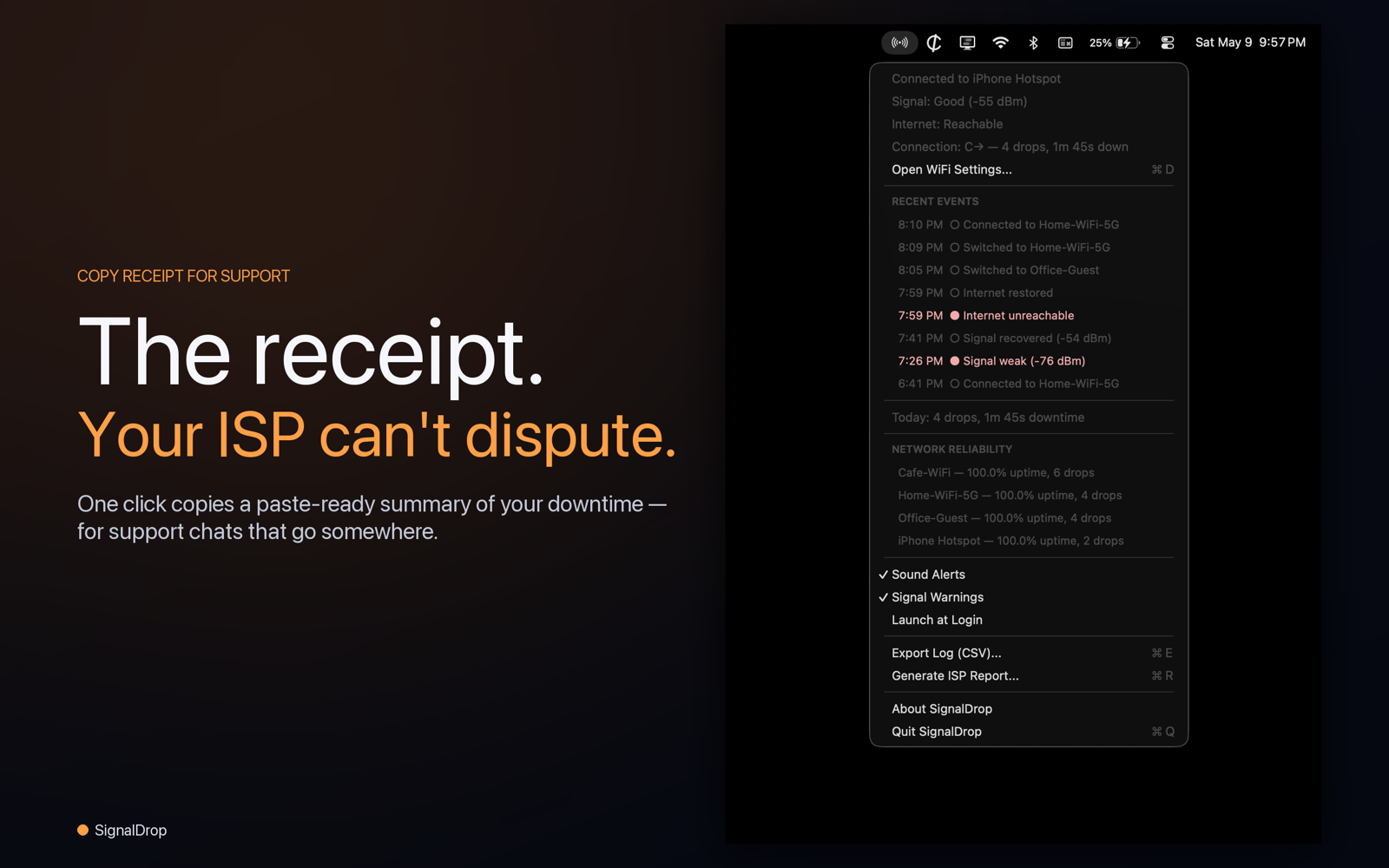
Yes. SignalDrop's one-click "Copy Receipt for Support" feature generates a paste-ready outage timeline with timestamps, durations, and a connection-quality grade. Paste it into your ISP's support chat or email — the data is concrete enough to defeat the standard "we ran a line test and everything looks fine" response.
Does SignalDrop work on Intel Macs?
Yes. SignalDrop ships a universal binary supporting both Apple Silicon (M-series) and Intel Macs. Minimum supported macOS is 13 Ventura.
Does SignalDrop drain battery?
No. SignalDrop uses Apple's CoreWLAN event-delegate API to receive kernel-level notifications when WiFi state changes, instead of polling. The only recurring work is a tiny internet check every 30 seconds. Battery impact is negligible.
Is SignalDrop different from WiFi Signal or WiFi Explorer?
Yes. WiFi Signal ($4.99) and WiFi Explorer ($19.99) are scanner and analyzer tools for IT professionals — they focus on real-time signal display, channel analysis, and 802.11 decoding. SignalDrop is built for everyday Mac users who need to know when WiFi drops and prove outages to their ISP. It's the only app in this category that tracks long-term per-network reliability and generates ISP-ready outage receipts.
What's new in SignalDrop 1.1?
Version 1.1 adds the Network Insights window (⌘N) with three tabs — a live nearby-network scanner with vendor identification for 38,000+ access points pulled from the IEEE OUI registry plus private-MAC detection; a real-time RSSI / Noise / TX-rate graph with hover annotation and 1m / 5m / 15m / 1h time-range presets; and a 24h / 7d / 30d connection history with an A–F reliability grade, per-network rollup, and outage drill-in. Plus a one-click PDF "ISP-ready receipt" export, a Notification Settings window (⌘,) with per-event toggles and minute-precision Quiet Hours, phantom-drop suppression applied across notifications and your grade, and a state-driven menu bar icon.
Does SignalDrop work on Wi-Fi 6 and Wi-Fi 6E (6 GHz)?
Yes. SignalDrop reads band information from Apple's CoreWLAN directly (CWWLANChannel.channelBand), so 2.4 GHz, 5 GHz, and 6 GHz Wi-Fi 6E networks are classified correctly. The Scanner tab's band filter (All / 2.4 / 5 / 6 GHz) works on every M-series Mac and any Intel Mac with a Wi-Fi 6E-capable adapter.
Does Quiet Hours suppress disconnect notifications too?
Yes. Quiet Hours silences every notification category uniformly while the window is active — disconnects and internet-lost included. A 3am cable-modem reset will not wake you up. The outage is still logged to Connection History and the ISP receipt; SignalDrop just leaves you alone until your Quiet Hours window closes.